
Kavasa FieldAndroid, iPhone and web
Every customer on the route gets visited
A route on paper says who should be visited. Kavasa Field shows who was, what came of it, and why anyone was skipped, so the plan and the day can be compared honestly.
How it works
Step by step
- Step 1
Plan the month
Each salesperson places their routes on a calendar, once or as a repeat, and the manager approves.
- Step 2
Work the day
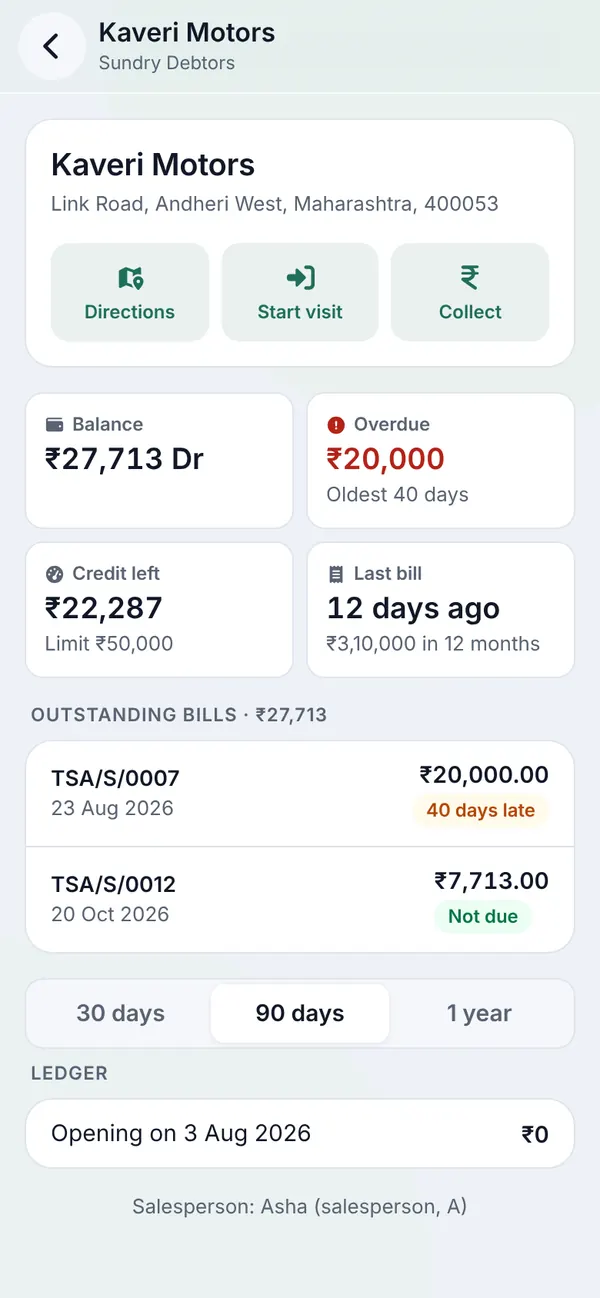
The day's customers appear in route order. A visit is started at the customer and ended with its outcome.
- Step 3
Compare plan and actual
Customers skipped and visits off the route each need a reason, and the office sees both.
What is in it
In detail
Routes as named groups
A route is a group of customers in one area. A salesperson sees their own, a manager their team's.
A month calendar
A route on one day, every Monday, or every second Monday. A change applies to one day or every repeat.
Approval
The manager approves the month. Later changes need approval too.
Visit outcomes and photos
What happened at the customer, a note, and photos of the shop or the display.
Reasons for a skipped stop
Closed, owner away, nothing needed, no time: chosen at the end of the day.
Reports for the office
Route coverage, visits, customers not visited and plan against actual, each to Excel and PDF.
FAQs
Questions people ask
Can a salesperson see other people's customers?
No. A salesperson sees the customers and routes that are theirs. A manager sees their team's, and the owner everyone's.
Does it work where the signal is poor?
Screens keep their last data without a signal, and the app says when it is offline. What needs the server waits until the phone is back.
The rest is in our privacy policy and terms of use.
More in Kavasa Field
Know what happened in the field today
See your field team's day clearly
A walkthrough with your items, your customers and your prices.
How you start